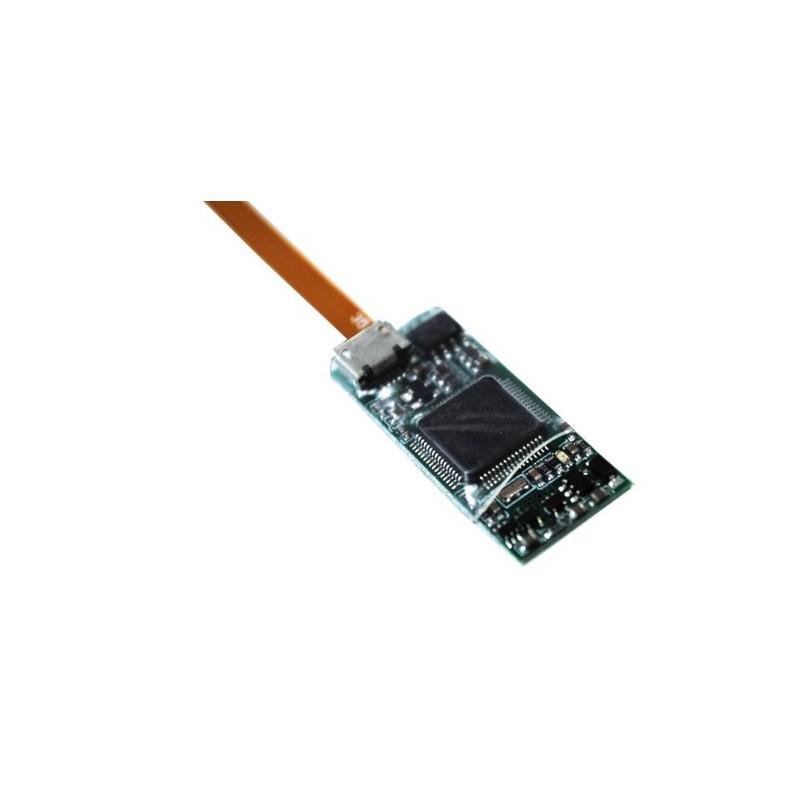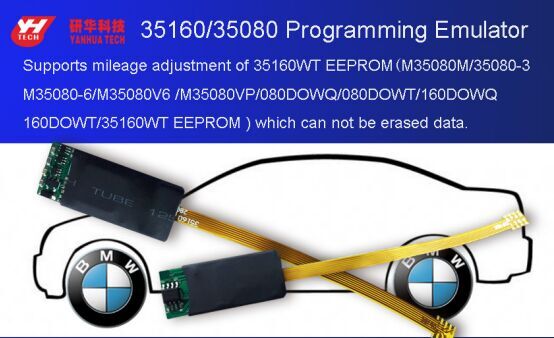
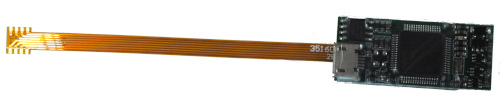
BMW 35080 and 35160 simulator designed for odometer repair for BMW M35XX counters.
35160/35080 Programmable emulator
It has an independent program that can fix mileage directly.
Supports the following EEPROM models:
M35080 / M35080-3 / M35080-6 / M35080V6
/ M35080VP / 080DOWQ / 080DOWT / 160DOWQ /
160DOWT / 35160WT EEPROM
Information
BMW dashboards from August 2015 are equipped with EEPROM 35160WT, which is not erasable and has a so-called. page-id page id) which locks this memory to its own micro-distribution board. If you want to improve such desktops, you cannot erase or replace the original memory with salvaged/purchased. You need to emulate the original memory with this emulator.
User manual:
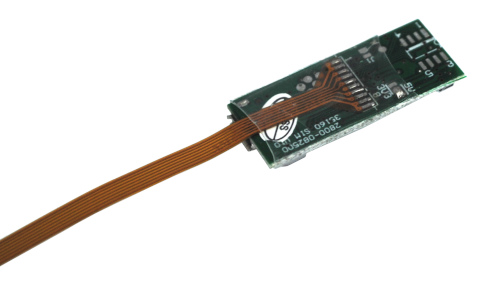
- Chip soldering. Solder the 35XX chip to the counter to the specified location of the simulator, note the direction of the chip.
- New folder. Add a new folder on your desktop, for example named "mileage modification".
- Simulator connection. Connect the emulator to the Mini USB cable, connect the USB interface of the computer, and the USB flash drive named (35xxx memory) on the computer "has removable storage device".
- Unzip the modification tool. Open (35xxx memory) U disk, copy the 35xx mileage modification tool .rar file, and put it on the desktop in the created folder, then extract it to the current folder to get the 35xx mileage modification tool .exe file.
- Copy the original data to the "mileage modification" folder on the desktop. According to the model of the original car chip, select the corresponding original data and copy it to the "mileage modification" folder on the desktop. (If original car chip is 35080, please select 35080 raw data.bin, if original car chip is 35160, please select 35160 raw data. Bin, if original car chip is 35160, please select 35160 raw data. bin)
- Open the mileage modification tool. Open the "mileage modification" folder, press the left mouse button to drag the original data to the modification tool, or double click to open the mileage modification tool ¡°35XXXX±, drag the original data to the tool interface, and press Enter to confirm.
- Change mileage. Input the mileage data you want to modify as prompted (note the mileage you want to put in unit like XXXkm or XXXmi), then press Enter to confirm and a new 35xxx raw data file _yyyy.bin will be automatically generated .
- Copy the modified data to U disk 35XX of memory. Open the "35XX Memory" USB flash drive, delete the 35xxx file .bin file of the corresponding chip (note the "simulated" data file), and then copy the original 35xxx file _yyyy.bin generated in the "mileage modification" folder of the "35XX memory U disk" ".
- Data comparison. Reconnect the simulator, open the 35XX memory U disk, compare the newly generated simulated data of the corresponding chip and the modified data in the "mileage modification" folder. If the data is the same, the operation succeeds. Solder the simulator to the instrument chip location.
Tip: It is recommended that you save the copied original data.bin file on your computer so that the data can be recovered if the operation fails. If the operation is wrong, don't be upset. Disconnect the usb and reconnect it to restore normal operation.
In case of doubt, below is a link to the instructional video:
https://youtu.be/w462spq58hk